Best Free Productivity Apps in 2026 (After Uninstalling 8 of the 14 I Tried)
Chintan Poriya
Lead Career Editor & AI Research Director
Published: January 28, 2026
Table of Contents
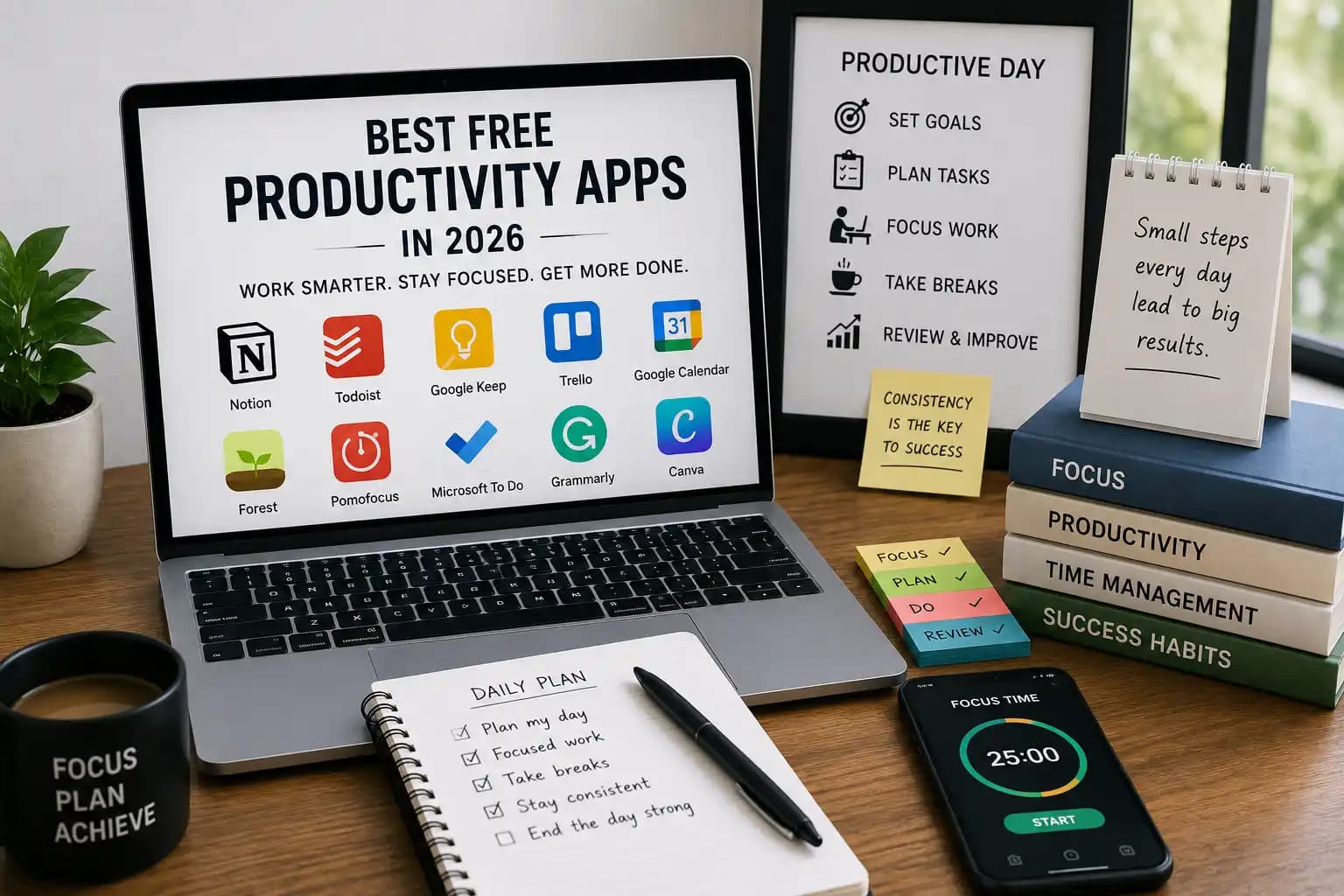
I counted once 14 productivity apps installed across my laptop and phone, and when I actually looked at usage, only 3 were opened more than twice a week. The rest were downloaded during some late-night "this will fix everything" moment and then quietly abandoned. Sound familiar? It's an easy trap, because every app promises to be the one that finally organizes your chaos, and none of them can do that on their own.
What actually fixed things wasn't a new app. It was cutting down to a small, deliberate stack and using it consistently. Here's what survived the cut, why, and how it fits together in practice not just a feature list, but how each of these actually gets used day to day running BytezTech and AdvizeU.
Why the Tool Actually Matters Less Than the Habit
Apps organize information and reduce friction. They don't create focus on their own that part's still on you. But the right small set, used consistently, genuinely does reduce the mental overhead of remembering everything yourself, which is where most of the real value comes from.
1Notion Notes, Planning, Knowledge Base
This is where AdvizeU's content calendar actually lives, along with meeting notes, project docs, and a running knowledge base for BytezTech workflows. One workspace instead of five scattered tools is the entire point the moment notes, tasks, and documentation live in separate apps, things start falling through the cracks between them.
2Todoist Daily Task Management
Clean, fast, and it's where my actual daily three-task list lives the same habit I've written about elsewhere on this blog. Due dates, priority levels, and recurring reminders cover almost everything a daily task list needs without extra clutter.
3Google Keep Quick Capture
For the idea that hits mid-meeting and needs to be written down in five seconds before it's gone. Shopping lists, quick voice notes, things to bring up later Keep is deliberately the low-friction option, not the organized one. Trying to make it your full system defeats the purpose.
4Microsoft To Do Outlook-Integrated Planning
If your team runs on Microsoft 365, this one earns its place through integration alone shared lists and Outlook syncing without extra setup. We don't run on it daily at BytezTech, but for Windows-and-Outlook-heavy teams, it removes a genuine friction point.
5Trello Visual Project Boards
Kanban boards for anything with clear stages a content pipeline, a client project, a product roadmap. We've used Trello-style boards to track AdvizeU articles from draft through review through published, and the visual "where is this actually stuck" view catches bottlenecks a plain list wouldn't.
6Forest Staying Off Your Phone
Genuinely simple mechanism a virtual tree grows while you stay off your phone, and it dies if you leave the app. It sounds almost too basic to work, and yet it's held up well for focus blocks, especially for anyone (students included) who finds a phone is the biggest daily distraction, not the laptop.
7Pomofocus Timed Focus Sessions
25 minutes on, 5 minutes off, repeat. I resisted this one for a while, assuming a timer couldn't meaningfully change anything. It changed more than expected the forced break actually prevents the kind of fatigue that leads to sloppy debugging late in a session.
8Google Calendar Scheduling and Deep Work Blocks
This is where deep work blocks actually get protected treated as real meetings on the calendar, not soft suggestions that get bumped the moment something else comes up. Without blocking the time explicitly, it gets eaten by whatever's most urgent that day, which is rarely the same as what's most important.
9Grammarly Writing Cleanup
Every AdvizeU article and most client-facing emails get a Grammarly pass before going out. It won't fix generic, AI-flat writing that's a different problem but it consistently catches the small grammar and clarity issues that are easy to miss when you've read your own draft five times already.
10Canva Fast, Decent Design
Not a replacement for a real designer on anything client-facing and important, but genuinely useful for quick social graphics, presentation slides, and blog banners where speed matters more than pixel-perfect design. The free template library covers a surprising amount of ground.
Building a Stack That Actually Sticks
The mistake I made with those 14 apps was picking multiple tools for the same job two note apps, three task managers, overlapping calendars. Pick one tool per actual need, not one per app you found interesting that week:
| Need | App |
|---|---|
| Notes and knowledge base | Notion |
| Daily tasks | Todoist |
| Calendar and deep work blocks | Google Calendar |
| Focus sessions | Forest |
| Timed work intervals | Pomofocus |
| Writing cleanup | Grammarly |
| Quick design | Canva |
| Project boards | Trello |
That's eight, and even that's more than most people need running at once. Start smaller three or four and only add another when a real, specific gap shows up.
Habits That Make the Apps Actually Work
The apps don't do anything without a few habits behind them: plan the next day the night before instead of scrambling each morning, pick three priorities and protect them, keep notifications off outside set check-in times, take real breaks instead of pushing through, and do a short honest review at the end of each day. None of this is complicated. Most of it just doesn't happen without a system holding it in place.
Where the App Overload Actually Comes From
The Failure Pattern
Too many overlapping apps doing the exact same job
Constant switching between tools instead of committing to one
Planning obsessively without actually acting on any of it
Notifications left on across everything, all day long
Never reviewing whether the system's working or just accumulating
Installing a new tool feels like progress, which is exactly why it's easy to keep doing even when it isn't fixing anything. A simple stack, used consistently, beats a sophisticated one abandoned within a month every single time I've watched this play out, including with myself.
Final Thoughts
The best productivity app isn't the one with the longest feature list. It's the one that's still open on your screen a month after you installed it. Start with three or four tools that cover your actual daily needs, use them consistently for a few weeks before judging whether they're working, and resist the pull to add a ninth app the next time you see something new trending.
Fewer tools, used properly, will get you further than a folder full of apps you opened once and forgot about.
FAQ
How many productivity apps should I actually be using at once?
Three to five is usually enough for most people one each for notes, tasks, calendar, and maybe one focus tool. More than that tends to create overhead instead of removing it.
Are paid productivity apps worth it over free versions?
Not usually at the start. Every app in this list has a genuinely useful free tier, and it's worth exhausting that before paying for anything most people never hit the limits of the free plan anyway.
What's the single most impactful app to start with if I'm overwhelmed?
A task manager like Todoist, paired with a calendar you're already using. Notes and design tools matter, but a clear daily task list is usually what fixes the most immediate sense of chaos.
How do I know if an app is actually helping or just adding clutter?
Check your usage after two weeks. If you're not opening it consistently without being reminded to, it's clutter uninstall it and simplify back down.
Written by Chintan Poriya, Marketing Head.
Read More in Productivity
The Productivity Myth: Why Busy People Aren't Always the Most Productive in 2026
One developer answered over a hundred Slack messages and sat through six meetings in a single week. Another blocked three hours each morning and finished the sprint's core deliverable two days early. Guess who got the bigger project next.
Read article →
Stop Overthinking: How to Take Action and Make Progress Every Day
I sat on the idea behind BytezBot for four months before writing a single line of code. Here's what that taught me about action over planning.
Read article →