How to Learn AI in 30 Days: The Exact Roadmap We Used to Onboard a Non-Technical Hire
Chintan Poriya
Lead Career Editor & AI Research Director
Published: April 15, 2026
Table of Contents
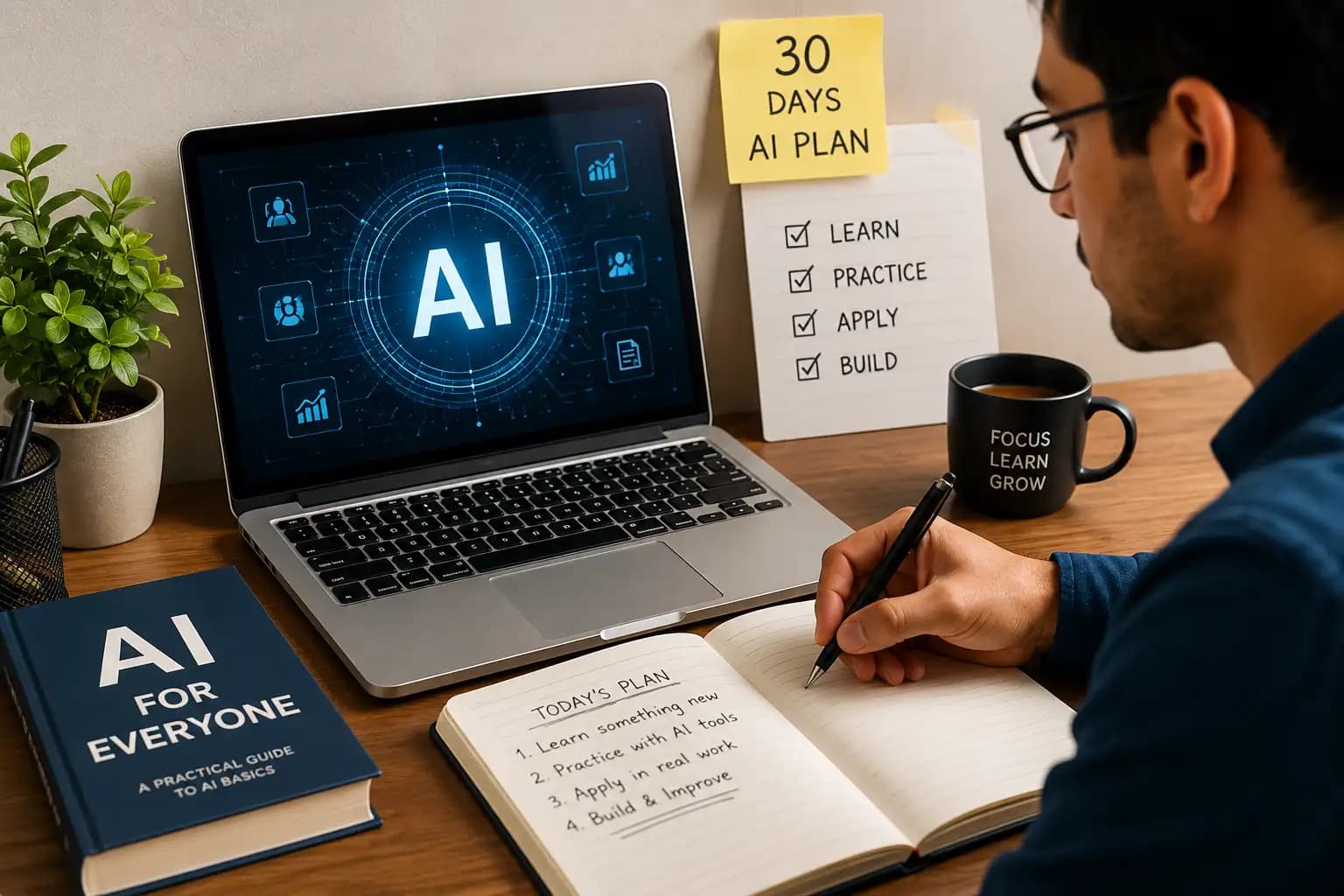
We hired someone for content and marketing last year who'd never used ChatGPT beyond one curious afternoon. Thirty days later, she was running our content calendar, writing first drafts of client emails, and catching AI hallucinations before they went out the door because she'd learned, the hard way, on day 5, what happens when you don't.
That's not a hypothetical. That's the actual roadmap we built for her, adjusted slightly since based on what worked and what didn't. This isn't the "AI will change everything" version of a learning guide. It's day-by-day, and it's what we actually handed someone with a real deadline behind it.
You don't need a computer science background for this. She didn't have one either. What you need is 45 to 60 minutes a day and the willingness to actually build things instead of just reading about them.
Why Bother Learning This Deliberately
Plenty of people use AI tools casually without ever getting structured about it, and they get some value from that. But the difference between casual use and this roadmap showed up fast in her case: within two weeks she'd cut first-draft content time roughly in half, and by day 30 she was catching factual errors in AI output before they reached a client a skill that only comes from understanding how these tools actually fail, not just how they succeed.
Before You Start
Block 45 to 60 minutes daily. Keep a running note of prompts that worked, tools you liked, and things that surprised you she still references her original notes file from that first month.
Week 1 Foundations
What AI actually is
How it differs from machine learning, and where it shows up in real business use already. No math required at this stage.
Create free accounts
On ChatGPT, Claude, Gemini, and Copilot. Ask each one the same three questions and compare the answers. The differences are more noticeable than most people expect going in.
Prompt engineering, properly
This is the day that actually mattered most for her. If you want the deeper version of this, we've written a full piece on prompt engineering separately.
Before: "Write me an email"
"Hey, I wanted to follow up about the job interview..."
After: Specific & Directed
"Write a professional follow-up email after a job interview, polite and confident, under 150 words."
Everyday applications
Use AI for genuinely everyday things an email, a grocery list, a trip outline, summarizing a video you don't have time to watch. The point of this day is habit-forming, not skill-building.
Where AI actually breaks
Hallucinations, bias, copyright gray areas, data privacy. This is the day she asked an AI tool for a statistic, got a confident and completely made-up number back, and only caught it because she happened to check. That single moment did more for her AI literacy than the first four days combined.
Productivity add-ons
Explore Notion AI, Grammarly, Perplexity, Canva AI, Gamma, Otter.ai. Not all of them will fit your workflow. Some will.
Reflect
What tool actually earned a spot in your daily routine? What prompts worked? Write it down while it's fresh this becomes the reference you'll actually use later, not the fundamentals from day 1.
Week 2 Applying It to Real Work
- Day 8. Practice adjusting tone, length, audience, and formality on real emails you'd actually send.
- Day 9. Summarize something long and dense a report, a research paper, meeting notes and practice pulling out only what actually matters.
- Day 10. Generate content ideas: blog topics, LinkedIn posts, campaign angles. Treat AI's first batch as a starting list to filter, not a finished set to publish.
- Day 11. Build a presentation outline and speaker notes using AI, then edit it into something that sounds like you, not like a template.
- Day 12. Use AI to organize actual work to-do lists, project plans, a weekly schedule that reflects your real priorities, not a generic template.
- Day 13. Upload a real spreadsheet and ask AI to find trends, summarize it, or explain a chart. This is usually the day people realize AI is genuinely useful for data, not just writing.
- Day 14. Finish one complete AI-assisted project. A resume rewrite, a blog post, a proposal, a weekly planner pick one and take it from rough draft to something you'd actually send or publish.
Week 3 Past the Basics
- Day 15. Learn how large language models actually work at a conceptual level tokens, context windows, what training and fine-tuning mean. Still no coding required.
- Day 16. Understand Retrieval-Augmented Generation (RAG) and why companies use it to ground AI answers in their own knowledge base instead of the model's general training. This is exactly what we use in BytezBot to keep answers accurate to our actual site content instead of guessed.
- Day 17. Try AI image generation ChatGPT's image tools, Adobe Firefly, Leonardo, Midjourney. Make something you'd actually use, like a blog banner or a social graphic.
- Day 18. Build out visual content an infographic, a mockup, a simple illustration set.
- Day 19. Look at no-code automation platforms like Zapier, Make, or n8n. This is the day that connects everything else an automated workflow is really just several of the skills from the last two weeks chained together.
- Day 20. Start a real prompt library, organized by use case writing, research, coding, productivity. She still adds to hers regularly; it's become one of the more genuinely useful files on her laptop.
- Day 21. Go back and improve your best prompts from the past three weeks. Test the same prompt across two different models and compare.
Week 4 Build Something Real
- Day 22. Build a small personal AI assistant a study helper, a writing assistant, a meeting summarizer. Doesn't need to be sophisticated. It needs to work.
- Day 23. Build an AI-assisted blog post from research through headline, using everything from the past three weeks in sequence.
- Day 24. Put together a full month of social content calendar, captions, hashtags, image ideas as one complete deliverable.
- Day 25. Build a simple no-code chatbot and get a basic conversation flow working end to end.
- Day 26. Automate one genuinely repetitive task in your own work. For her, it was drafting first replies to common client questions a small thing that saved a real chunk of time every week going forward.
- Day 27. Review everything built so far. Fix what's rough. Tighten the prompts that produced weak results.
- Day 28. Publish something. A LinkedIn post, a portfolio piece, a blog article. Visible work is what actually gets noticed and it's harder to keep improving something nobody else ever sees.
- Day 29. Get feedback from someone else. A colleague, an online community, anyone with a different perspective on what you built.
- Day 30. Pick your next direction. AI for business, deeper prompt engineering, automation, generative AI, or something more technical like Python for AI. This roadmap gets you fluent where you go from here depends on what you actually want to build.
Best AI Tools for Beginners
What Actually Made the Difference for Her
Daily practice beat occasional long sessions by a wide margin 45 minutes every day outperformed a single three-hour weekend catch-up, consistently. Fact-checking became automatic after day 5, not because we told her to, but because she'd been burned once already. And she built real things instead of only reading about tools, which is the single biggest difference between someone who can talk about AI and someone who can actually use it under a deadline.
Mistakes Worth Skipping
Trying to learn everything in the first week. She tried this initially, got overwhelmed by day 4, and we scaled it back to the daily structure above.
Using AI output without checking it. See day 5.
Copying generated content without editing it into your own voice. It reads flat, and readers notice even when they can't say exactly why.
Ignoring privacy basics. Don't paste client or company data into a public AI tool without checking what that tool actually does with it.
Quitting after a few days when it doesn't feel transformative yet. The gains in this roadmap compound week 1 alone won't feel like much. Week 4 does.
Final Thoughts
Thirty days won't make you an AI researcher, and that was never the point. It'll make you someone who can actually use these tools with judgment building real things, catching real mistakes, and knowing which tool fits which task instead of defaulting to whichever one is open in another tab.
Start today, keep the daily habit, and don't skip the days that feel boring. Day 5 felt boring right up until it turned into the most useful lesson of the entire month.
FAQ
Do I need any technical background to follow this roadmap?
No. The person this roadmap was built around had no technical background going in just consistent daily time and a real project to work toward.
What if I miss a day or fall behind the schedule?
Pick up where you left off rather than restarting. The order matters more than the exact daily pace stretching this into 35 or 40 days changes nothing important.
Which AI tool should I start with if I can only pick one?
ChatGPT or Claude both work well as a starting point for general use. Pick one, get comfortable with it for the first week, then branch out on day 2's comparison exercise.
Is 30 days actually enough to be useful at work, or is that oversold?
It's enough to be genuinely useful for everyday tasks writing, summarizing, planning, basic automation. It's not enough to become an AI engineer, and this roadmap was never meant to get you there.
Written by Chintan Poriya, Marketing Head.
Read More in Learning & Upskilling
Why Continuous Learning Is the Only Career Insurance You Need
Two engineers joined us the same month with nearly identical backgrounds. Eighteen months later, one leads our AI pipeline work and the other is doing the same tickets she started with. The gap wasn't ability. Here's what it actually was.
Read article →
Learn AI with NVIDIA DLI: What Actually Changed When We Used It on a Real Client Project
Our computer vision model ran at 2.3 frames per second with five days left on the contract. Here's how NVIDIA's Deep Learning Institute helped us fix it and whether it's worth your time in 2026.
Read article →